
Install macros others already wrote — or publish your own
Community catalog of verified .agfm scripts. Browse, rate, install in one click. Studio gets a private marketplace for internal sharing.
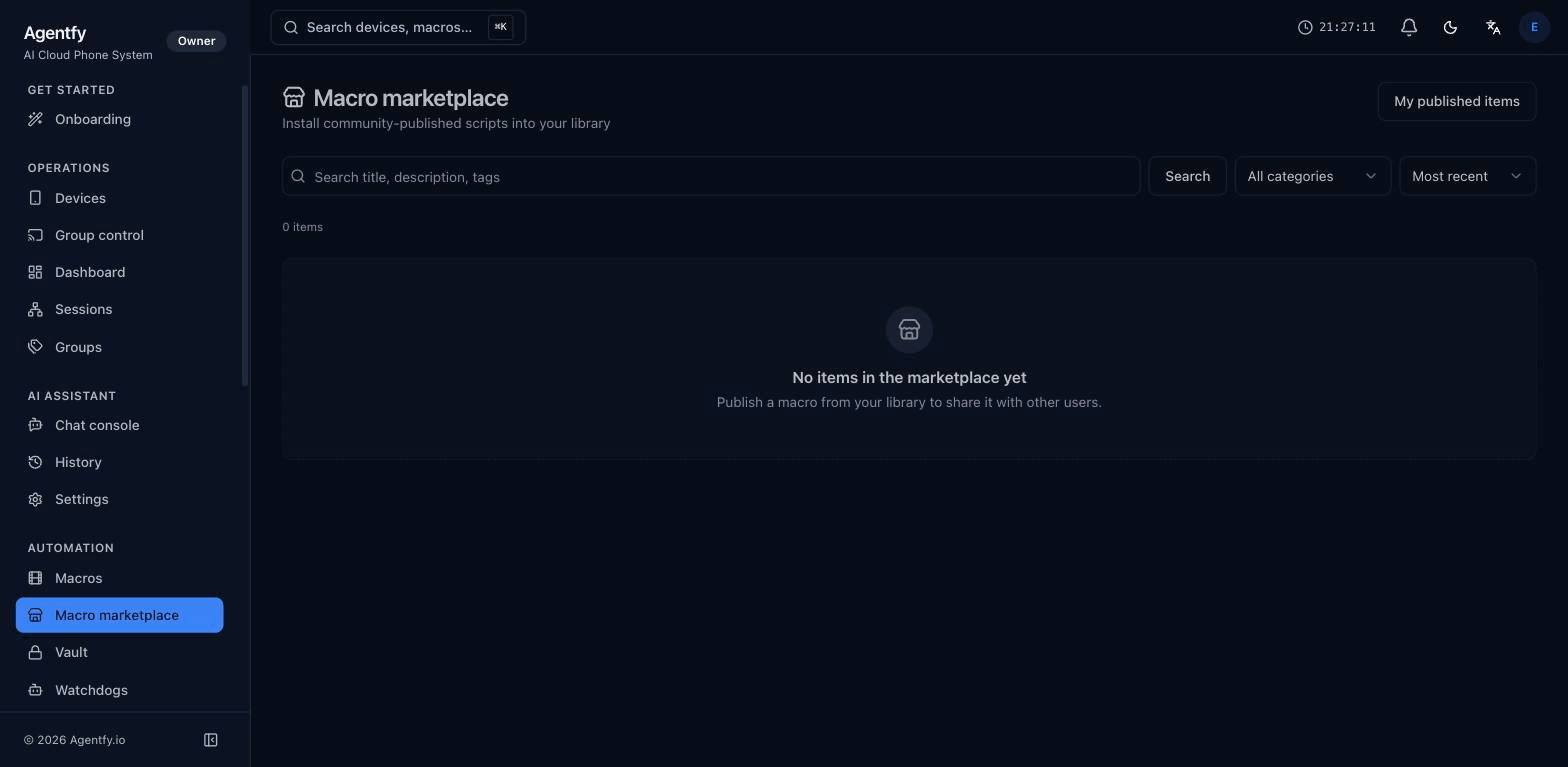
Three steps from someone else's idea to your fleet
-
Install in one click
Pick a script, click install — it lands in your library tied to your tenant. Pin a version or auto-track the author's updates.
-
Publish from your own library
Hit publish on any macro. Approval queue runs a static-safety check before the listing goes live.
-
Vault-aware imports
If a published macro references vault keys, install prompts you for your local values. Your secrets never leave the tenant.
Common automations, shared once
One-click install
Pick a macro from the catalog, click install — it lands in your library tied to your tenant. The original author keeps revisions; you can pin or auto-update.
Publish your own
Publish a macro from your library with a single button. Approval queue runs a static-safety check (no destructive ops without confirms, no unmasked secrets).
Moderation + ratings
Every macro hits a moderation queue before publication. Once live, users rate / report. Reported items go back to moderation; bad actors are bannable.
Private marketplace (Studio)
Studio tenants get an org-scoped private market — team members publish + install internally without going public. Same review flow, internal-only visibility.
Versioned + diffable
Macros are .agfm text under the hood — diffs are readable. Each install pins to a specific version; opt in to updates per macro.
Vault-aware
Installed macros that reference vault keys prompt you for the keys at install time. Your secrets never leave your tenant — even if the script came from elsewhere.
Read next…
Don't reinvent the iOS automation wheel
Browse the catalog before you write a new macro — chances are the flow you need is already there.
Start free trial